
Help together
Add more helpers to your relay, so family or colleagues can share the work.
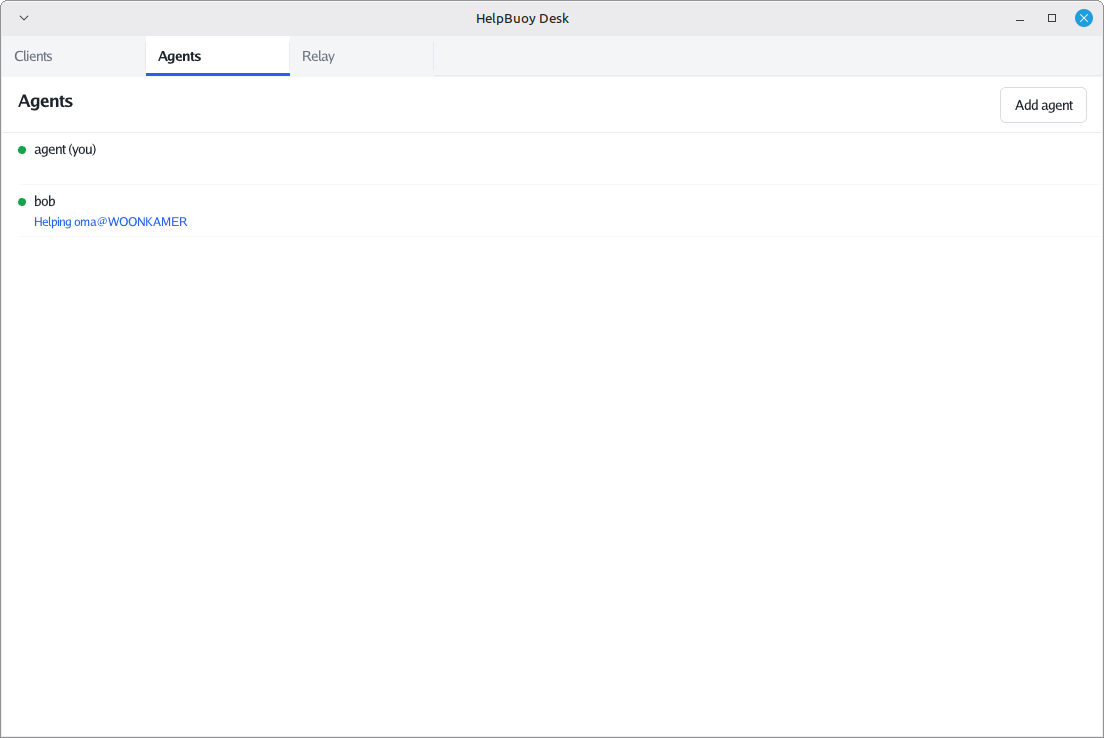
Any number of helpers can use the same relay. They all see the same list of PCs, and who is helping whom.
Adding a helper
- The new helper downloads HelpBuoy Desk and types your relay address in its connect box.
- Because your relay doesn’t know them yet, their desk app shows their public key with a Copy public key button. They send it to you.
- In your desk app, on the Agents tab, press Add agent, paste the key and give them a one-word name, like
bob.
Their desk app keeps trying, so it moves on by itself as soon as you’ve added them.
Removing a helper
Removing a helper is done by whoever runs the relay, on the command line:
helpbuoy-relay agent remove bob
This takes effect immediately and ends any session they have open.
Separate groups
Everyone on one relay sees everyone the relay knows. If you want separate groups, for example your family and your business, run separate relays.