Remote help, kept close to home.
Download for free See how it works
Free and open source. No account, no subscription, no cloud in between.
 Example Inc - HelpBuoy
bob would like to help you.
bob will see your screen and can use your mouse and keyboard until you stop the session.
Key fingerprintSHA256:8Lf2…Qk1w
How it works
You set it up once. After that, helping takes a phone call and two clicks.
-
Start HelpBuoy Desk
It runs a small relay on your own computer. Open port 5959 on your router once, so the people you help can reach it.
You, once
-
They install HelpBuoy
They type your address and their app shows a key. They send it to you over WhatsApp, Signal or email.
Them, once
-
You add their key
Paste it into the desk app. From then on their PC shows up in your list whenever HelpBuoy is open.
You, once
-
Connect, and they say yes
Press Connect, they press Allow. You see their screen and fix things while you talk on the phone.
Every time you help
The desk app
One calm window with everyone you look after. It runs on Windows and Linux.
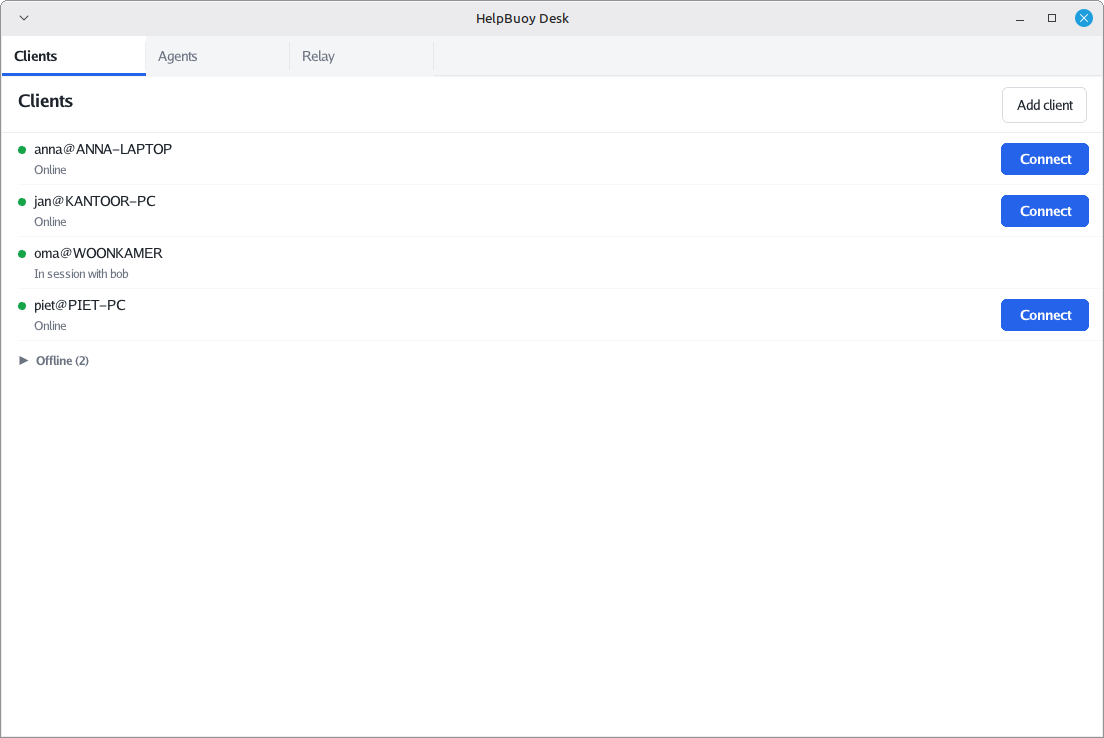
Everyone whose HelpBuoy is open right now. One click on Connect asks them if you may help.
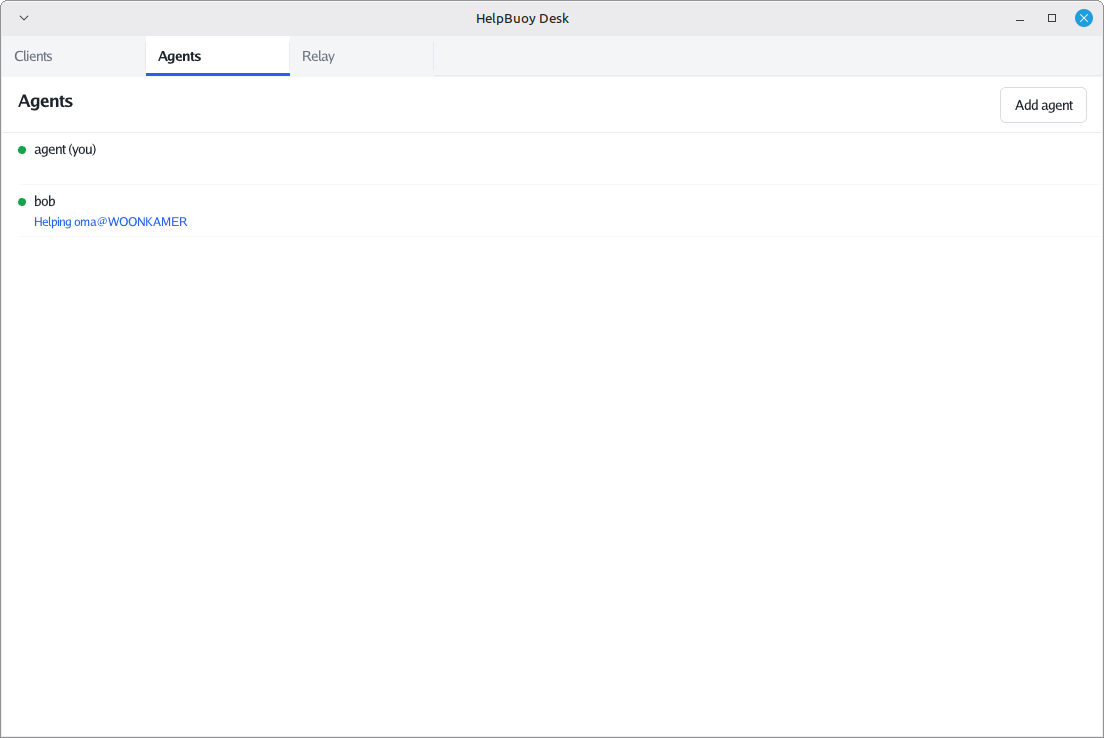
Share the work with family or colleagues. Every helper on your relay sees the same list, and who is helping whom.
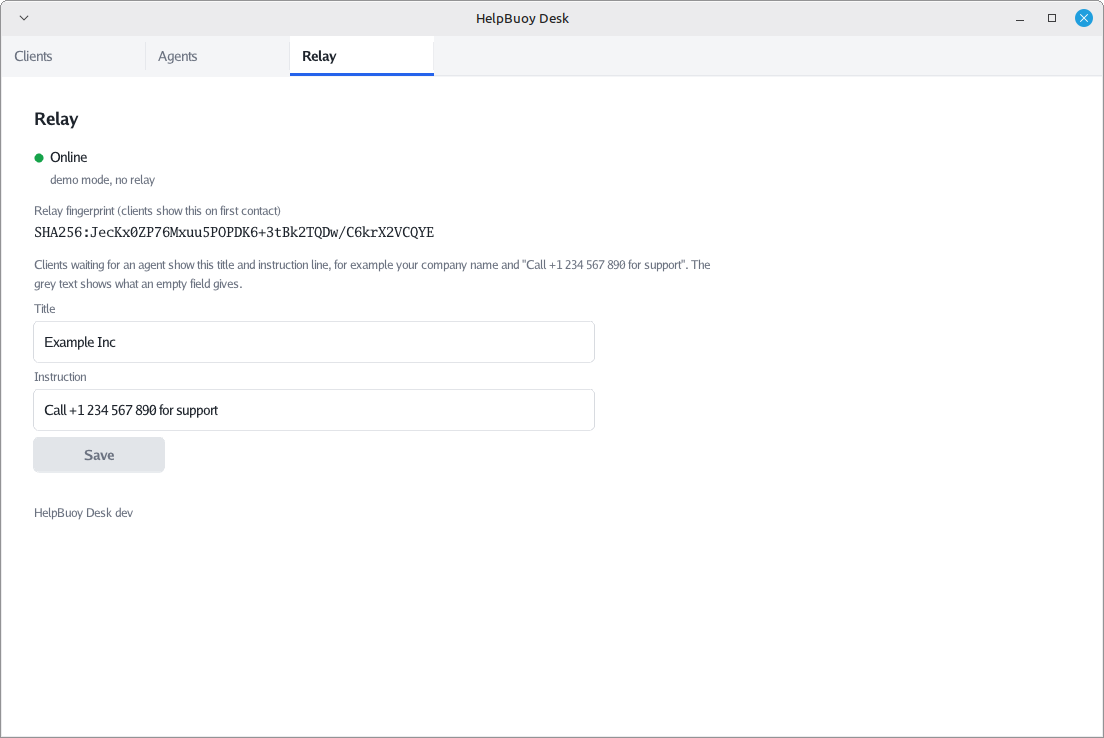
Choose the name and the instruction line the people you help see while they wait, for example your phone number.
What it does, and what it never does
HelpBuoy is deliberately small. It does one thing: lets you see a screen and use its mouse and keyboard, with permission.
It does
- Shows you their screen, sharp and quick, close to the speed of Remote Desktop
- Lets you use their mouse and keyboard
- Asks them first, every single time, and shows who is asking
- Stops the moment they press Esc or close the program
It never does
- Copies files to or from their PC
- Reads their clipboard
- Runs commands or opens a shell in the background
- Starts by itself or keeps running after they close it
- Sends anything through our servers. There aren’t any.
Your relay, your rules
Most remote support tools route every session through the vendor’s servers. HelpBuoy doesn’t have servers. The relay is a single small program that runs on your own computer, or on a machine in your office.
Sessions are encrypted end to end between your desk app and their PC. The relay only connects the two; it can’t see the screen and can’t read the keystrokes. Nobody else can either, us included.
Your relayon your own computer, port 5959